You can configure FortiMail Browser Security so that the user of a protected browser will not be able to access any URLs until the extension is activated. This forces the user to sign-in to activate the extension. When a user with an unactivated extension tries to access any URL, the user will be redirected to a sign-in page. There are two possible sign-in pages that may appear:
-
If IdP integration is configured, then the organization IdP sign-in page will appear.
-
If IdP integration isn't configured, then the standard FortiMail Browser Security extension sign-in page will appear:
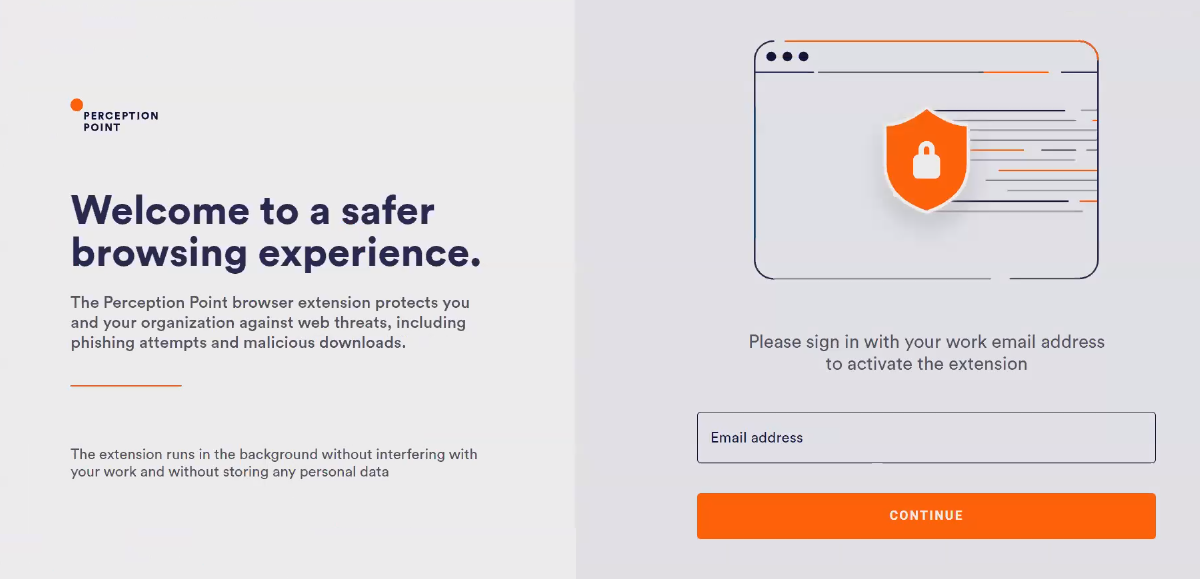
After the user successfully signs-in to activate the extension, the user will be redirected to the requested page.
For details on how to implement this feature that forces users to sign-in to activate their extensions, see User Authentication.
See also:
