This section includes:
About the FortiMail Workspace Security traffic overview
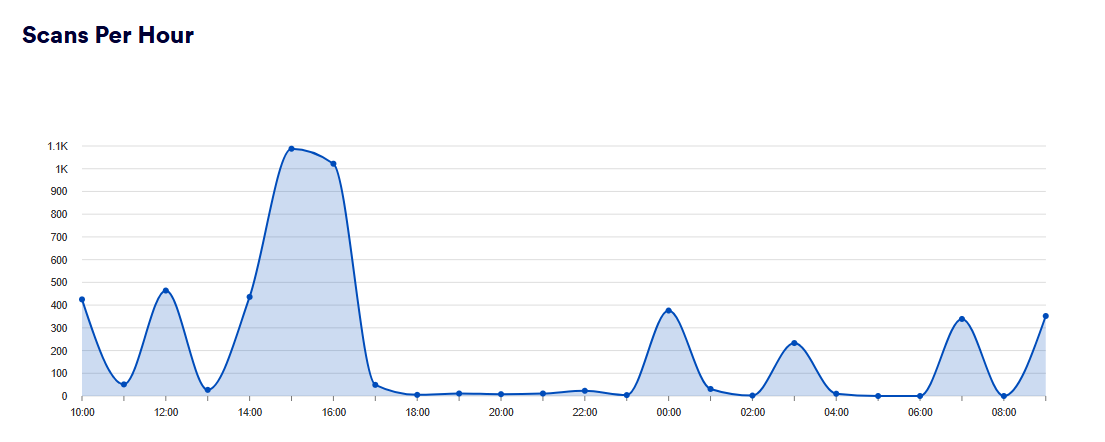
The Traffic Overview page lets you see the number of items that were scanned by FortiMail Workspace Security in your organization during the period that you specify. By default, the period is set to "Last day" - showing data for the previous 24 hours. A breakdown of the origins of the scans is also displayed.
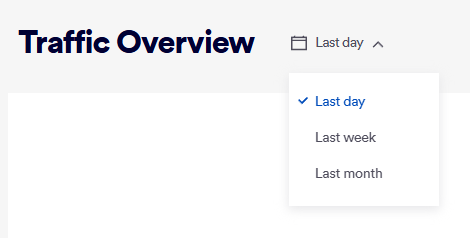
The graph on the Traffic Overview page shows the following:
-
Last day: Shows the number of scans that were performed per hour during the previous 24 hours.
-
Last Week: Shows the number of scans that were performed per day during the last week.
-
Last Month: Shows the number of scans that were performed per day during the last month.
Accessing the Traffic Overview page
To show the Traffic Overview page:
-
In FortiMail Workspace Security, in the left navigation menu, select Insights > Traffic.
|
Any admin user with the "Self Analysis" role [or higher] can access the Traffic Overview page. |
Scan origin breakdown
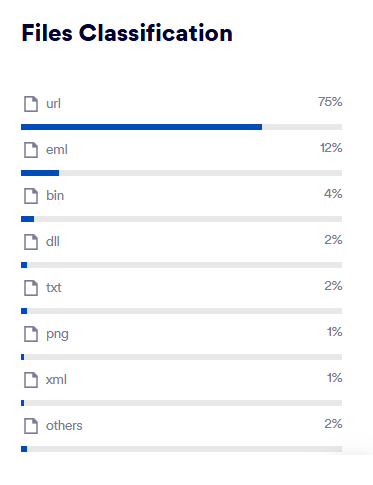
The "Files Classification" list on the right of the Traffic Overview page shows a breakdown of the origins of all scans performed during the specified period - in descending order of frequency.
See also:
